Live recognition
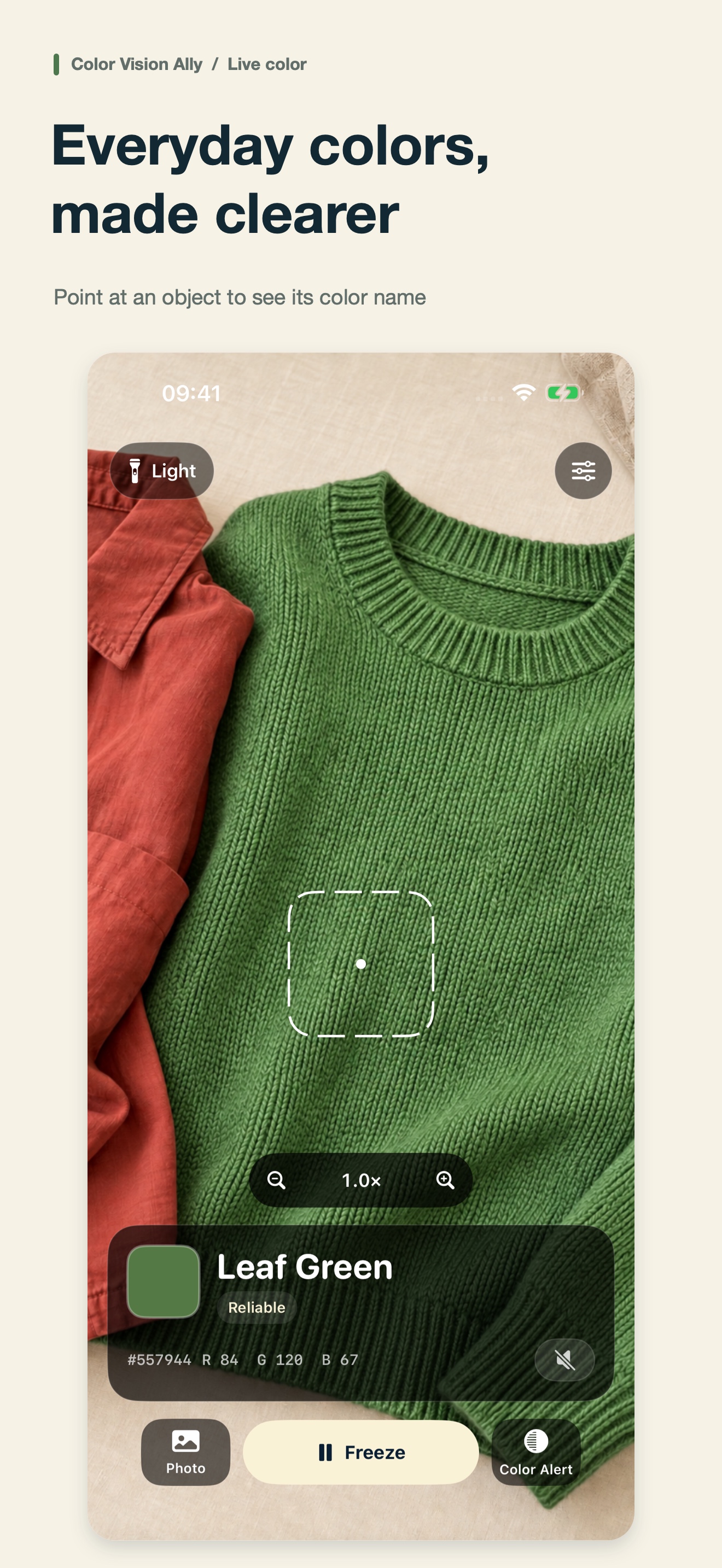
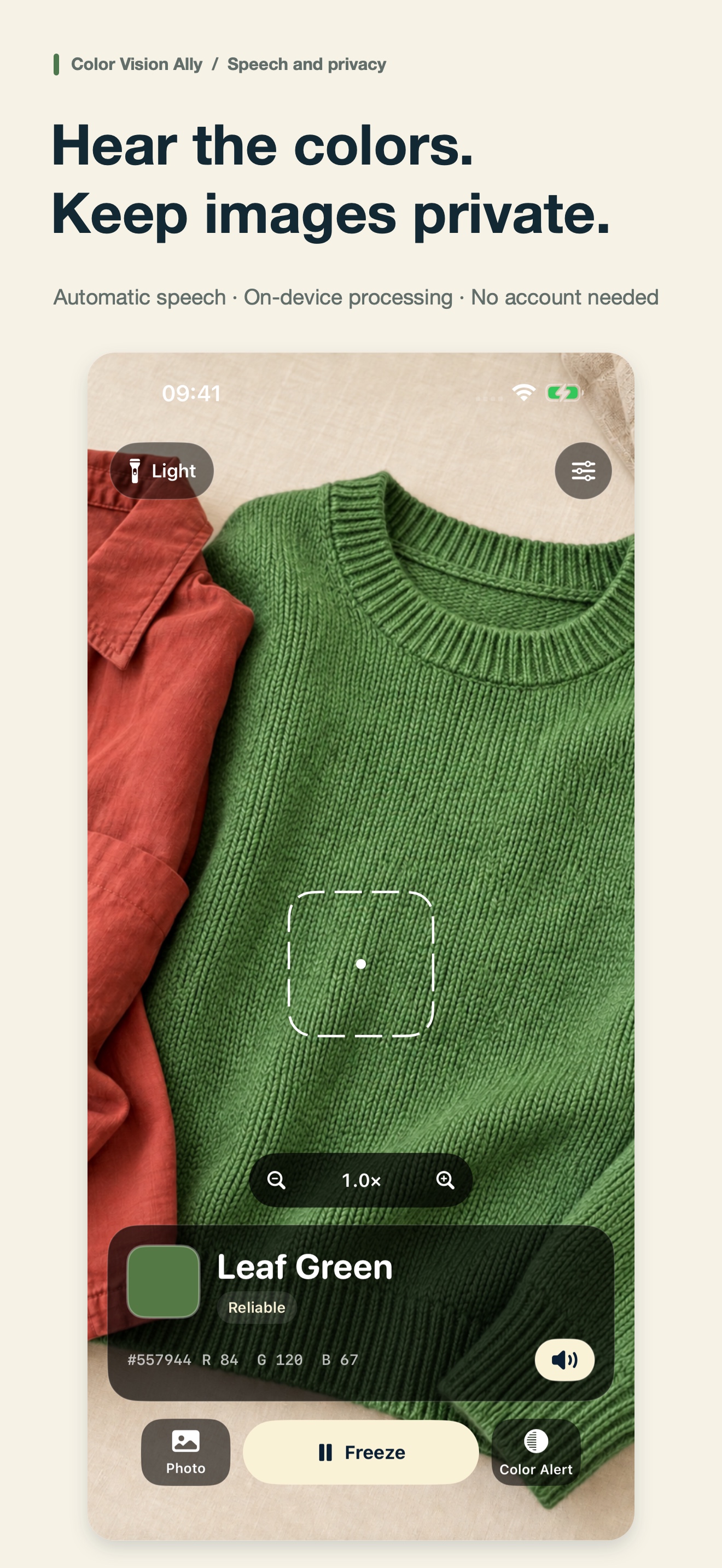
Identify the color at the center of the camera view with clear everyday names, RGB and HEX values.
An everyday color assistant
Version 1.1 · Free features · iPhone · iOS 16+
Point your iPhone at an object to identify its everyday color name, understand the result, and hear it spoken aloud. Designed for people with color-vision differences and anyone who finds colors difficult to distinguish.
01
Identify the color at the center of the camera view with clear everyday names, RGB and HEX values.
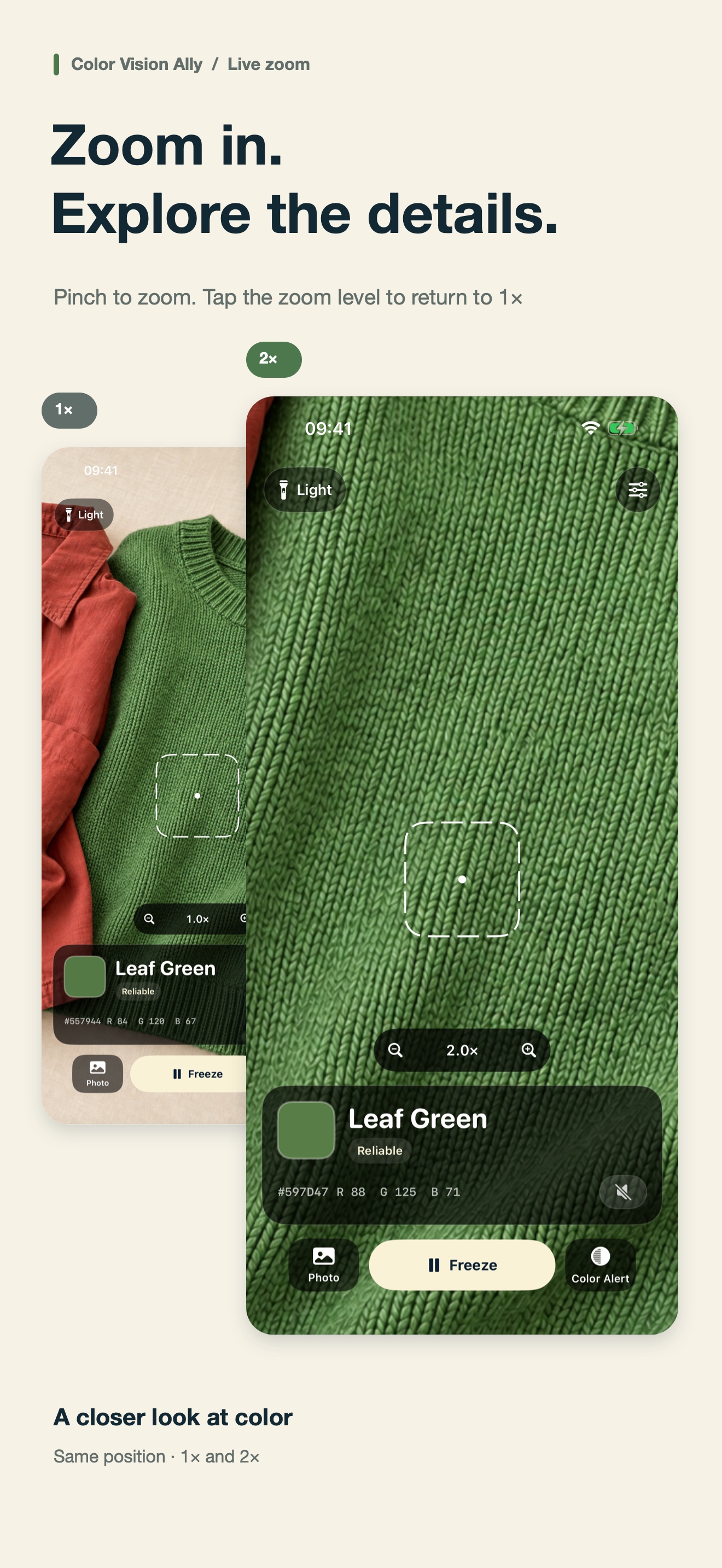
Pinch or use the zoom buttons to inspect details; tap the zoom level to return to 1×. Up to 4×, depending on your device.
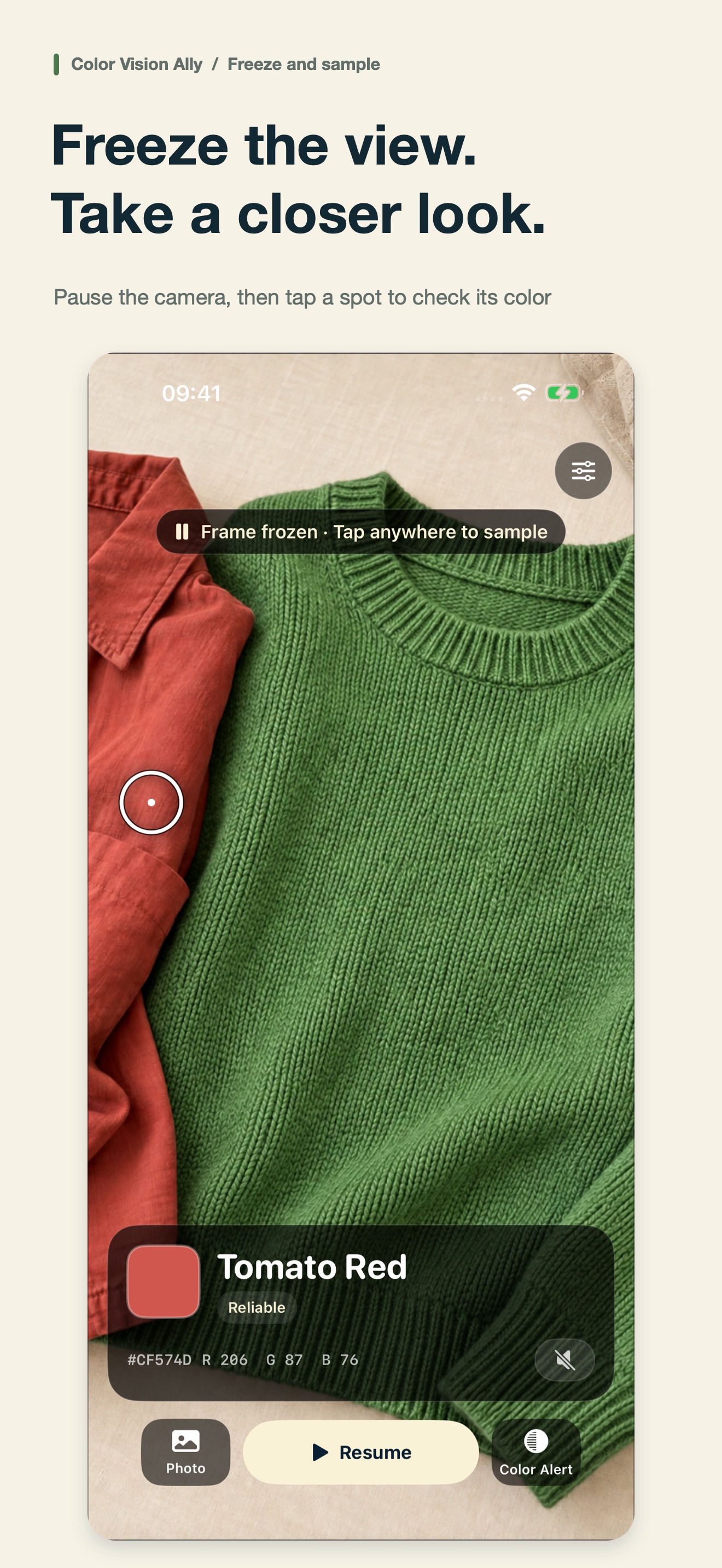
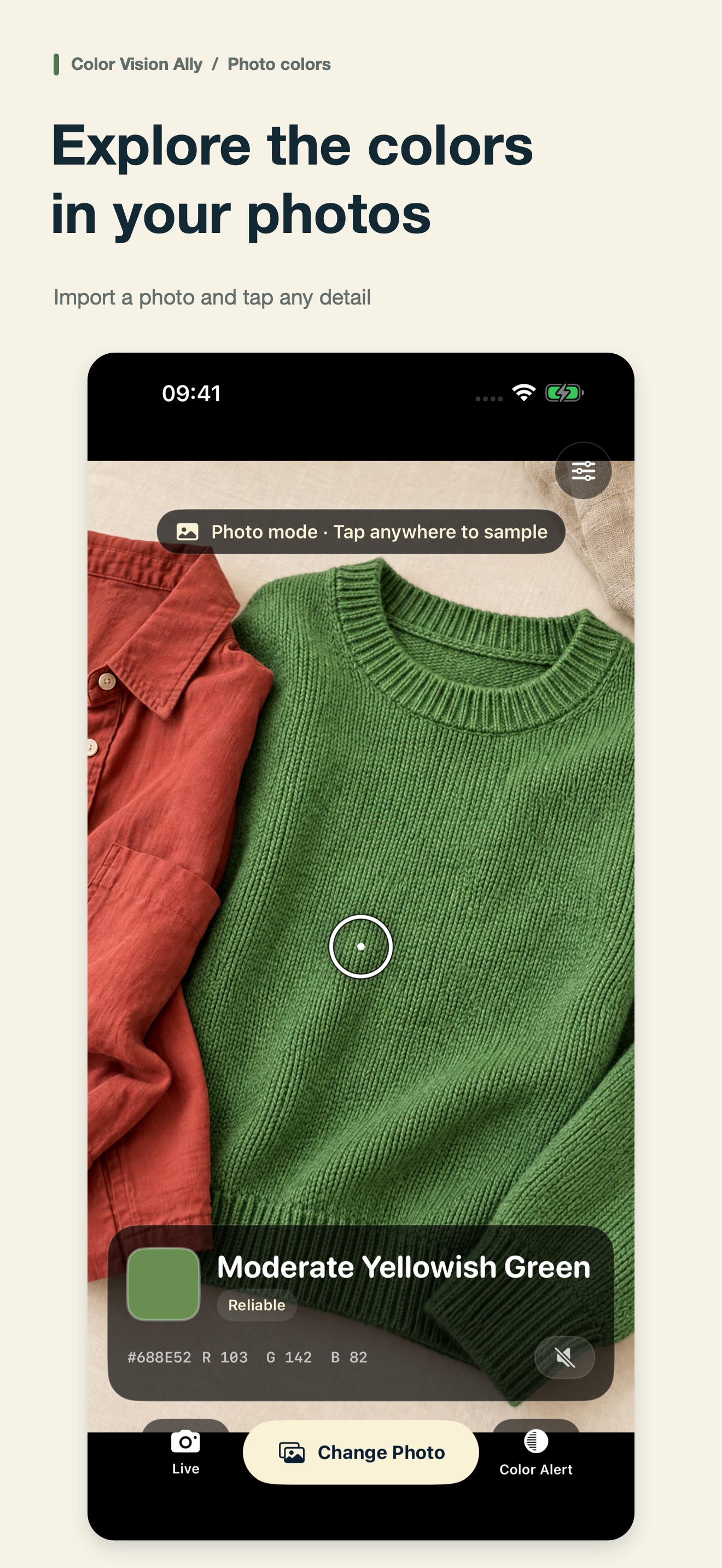
Pause the camera or inspect a photo, then tap anywhere to identify a color.
Hear stable color results automatically, with controls designed to work alongside VoiceOver.
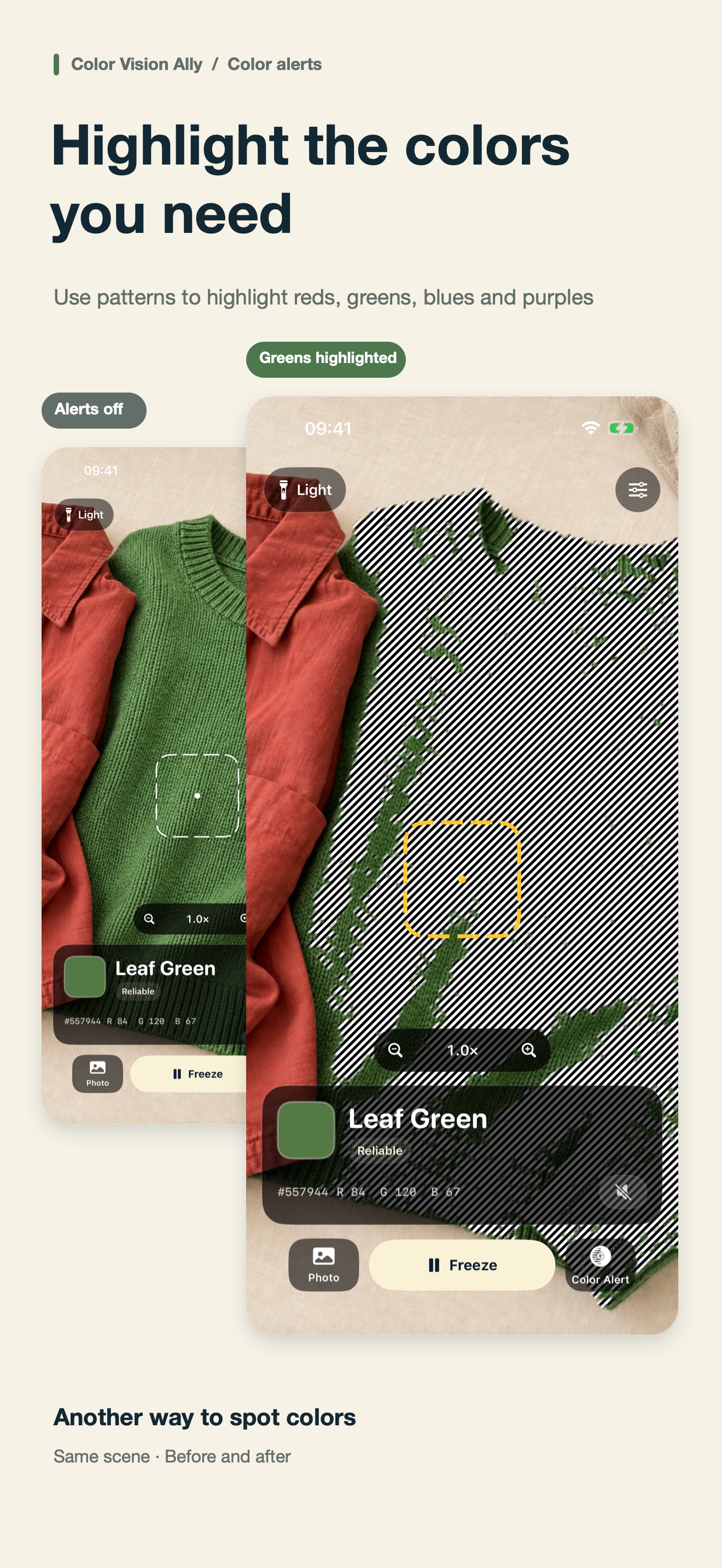
Optional high-contrast patterns help make red, green, and blue-purple regions easier to locate.
Version 1.1 has been released. If your local store still shows 1.0, check again after the update reaches your region.
Use a plain surface in even lighting. Hold the phone steady and wait for light adaptation.
In version 1.1, pinch or use +/- to zoom, and tap the zoom level to return to 1×. Maximum zoom depends on the device, up to 4×.
Version 1.1 makes color alerts available without purchase. Version 1.0 may still offer subscriptions and a lifetime purchase; check your installed version.
Enable color speech, check device volume and Silent Mode, and make sure the selected language voice is installed.
The system picker shares only the image you select. Camera frames and photos are processed on your device.
02