What this setup is for
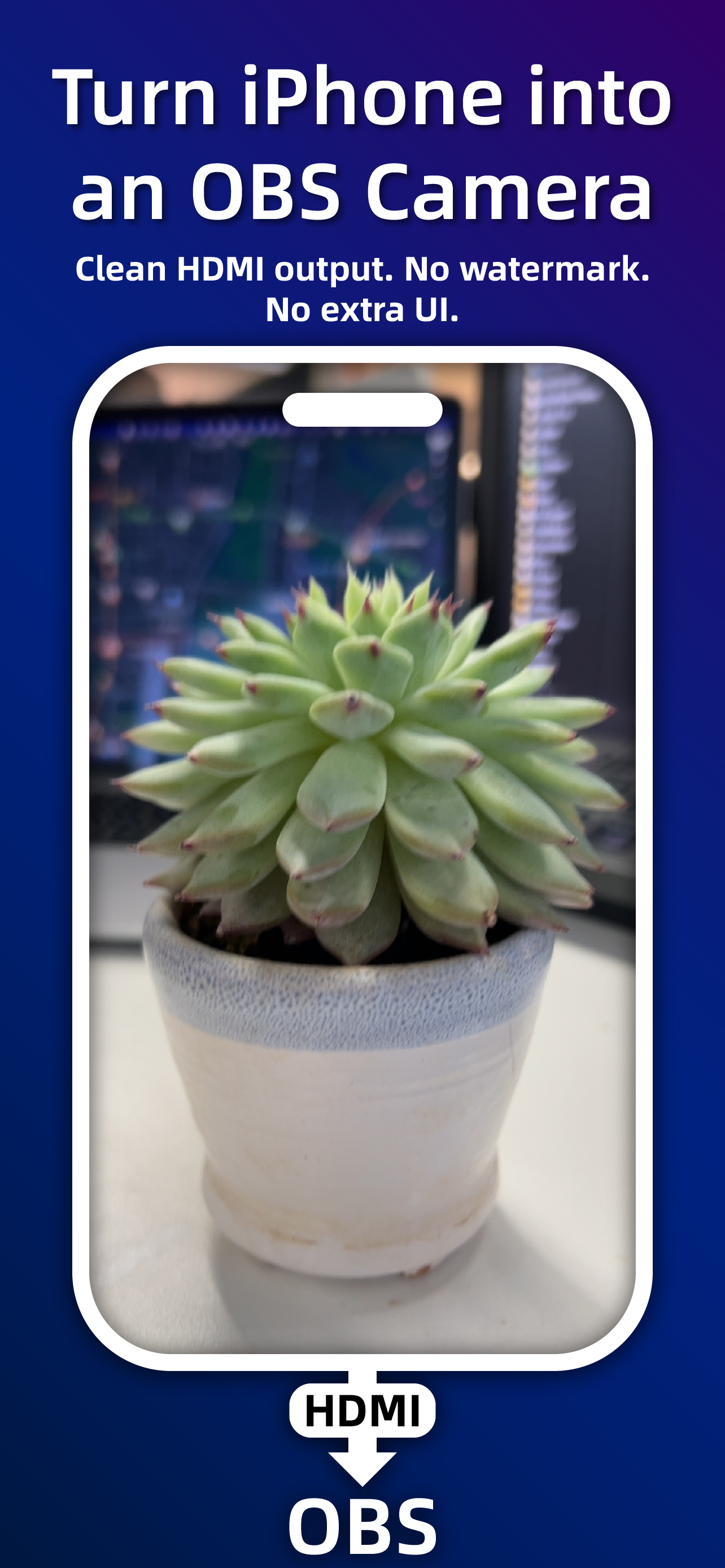
This workflow is for creators who want an iPhone face camera, teaching camera, product demo camera, or secondary angle in OBS without using wireless screen mirroring.
What you need
Use HDMI Cam on iPhone, a stable USB-C or Lightning HDMI adapter, an HDMI cable, and a capture card connected to your Mac or PC.
OBS setup
Add the capture card as a Video Capture Device in OBS. Use Phone Direct Output for ordinary horizontal or vertical monitoring, and switch to clean output before going live.
Before you go live
Open the test overlay once to check lens, power, battery, thermal state, output frame, and AF/AE lock. Then hide overlays for the actual stream.